Powerful features for
every creative workflow
VidViz combines a flexible node-based editor with professional audio analysis, a massive effects library, and export tools that handle any output format.
Node-Based Visual Programming
Build complex visual pipelines by connecting nodes in an intuitive drag-and-drop canvas. Each node performs a specific operation, and you wire them together to create unique effects chains.
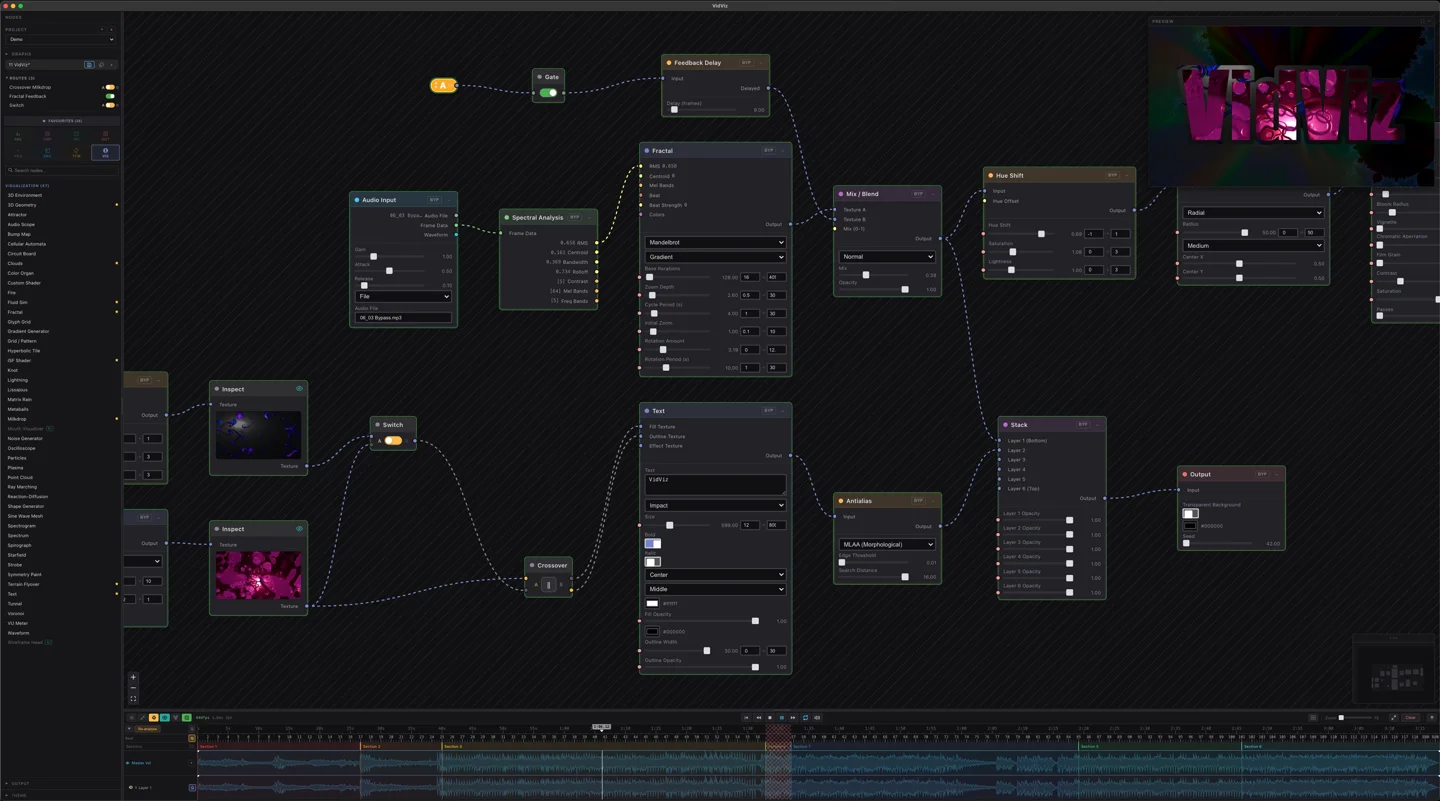
- 197 unique node types across audio, visual, transform, and utility categories
- Drag-and-drop canvas with zoom, pan, and grid snapping
- Group nodes into reusable sub-graphs
- Real-time parameter adjustment with immediate visual feedback
- Color-coded connections by data type (audio, visual, numeric, color)
- Node search palette with fuzzy matching for fast workflow
- Copy, paste, and duplicate node selections
- Undo/redo with full history
Audio Analysis
VidViz decomposes your audio into dozens of reactive data streams that drive your visuals. Every beat, frequency, and transient becomes a parameter you can map to any visual property.
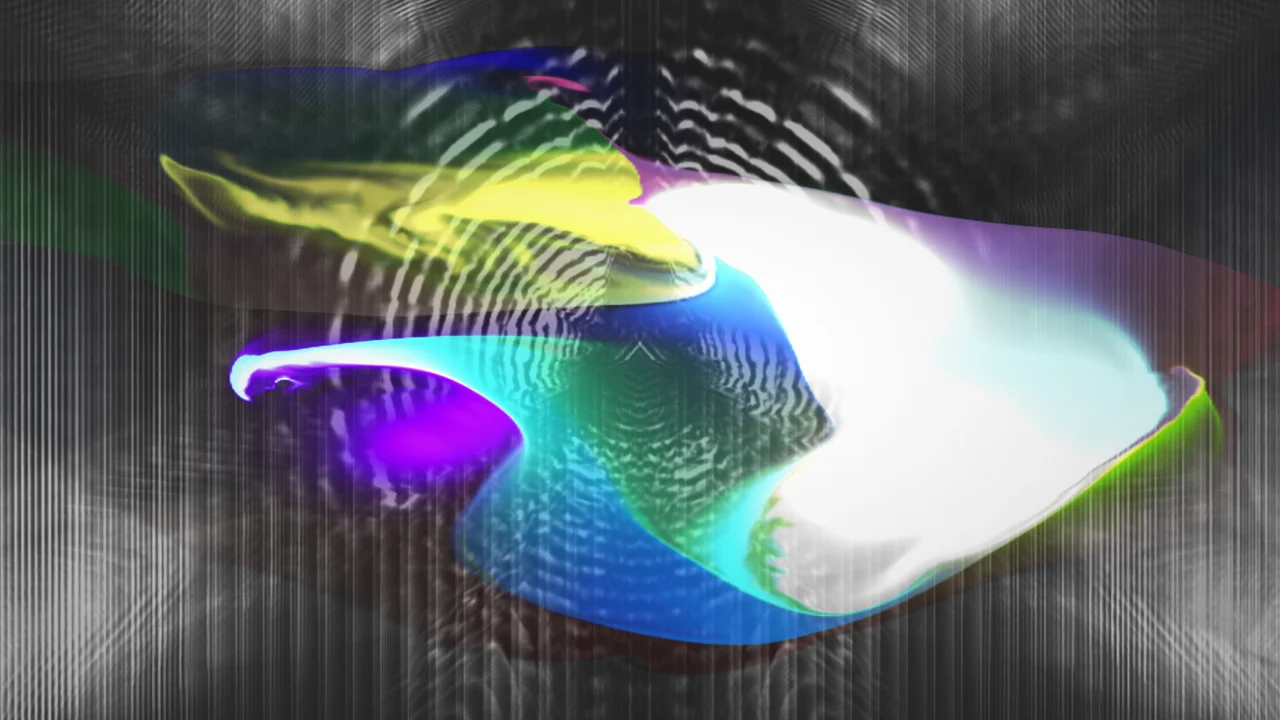
- FFT spectrum analysis with configurable bin count and smoothing
- Beat detection with adjustable sensitivity and cooldown
- Spectral analysis: bass, mid, treble, and custom frequency bands
- Onset detection for percussive transient tracking
- BPM estimation with tap-tempo override
- Waveform visualization and amplitude envelope
- Chromagram for harmonic content analysis
- Audio input from file, microphone, or system audio capture
Visual Effects
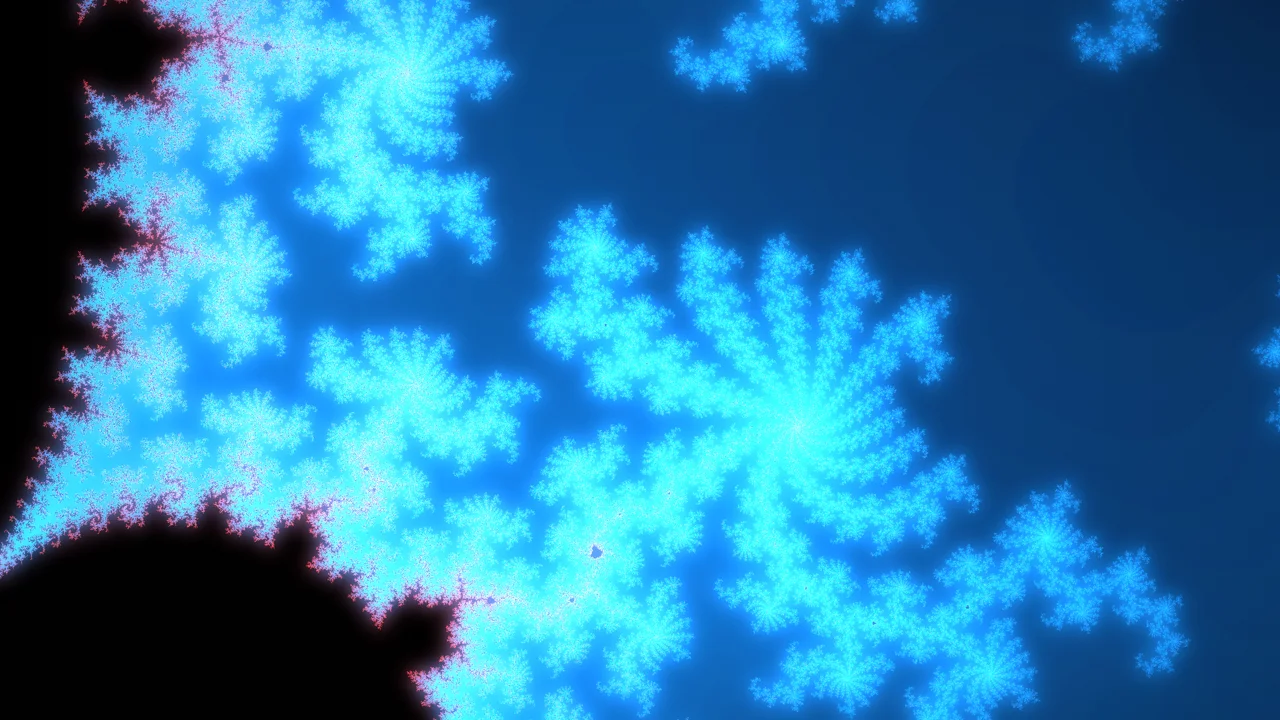
A massive library of GPU-accelerated visual effects. Layer, blend, and chain effects together to create everything from subtle overlays to full psychedelic experiences.
- Particle systems with physics, attractors, and emitter shapes
- Fractal generators: Mandelbrot, Julia, flame fractals, and more
- Fluid simulation with velocity fields and dye injection
- Custom GLSL shaders with audio-reactive uniforms
- Geometric shapes, grids, and 3D wireframes
- Color grading, bloom, chromatic aberration, and post-processing
- Text rendering with font support and audio-reactive transforms
- Image and video input nodes for compositing
Sequencer & Timeline
Arrange your visualizations over time with a powerful multi-track sequencer. Create sections, add keyframes, and build complete visual shows that evolve with your music.

- Multi-layer sequencer with up to unlimited layers (Pro)
- Section-based arrangement with loop playback
- Keyframe animation for any node parameter
- Easing curves: linear, ease-in, ease-out, cubic bezier
- Audio waveform overlay on timeline for precise sync
- Snap to beat grid for tempo-aligned editing
- Copy and paste sections across the timeline
- Solo and mute individual layers
Export & Streaming
Render your visualizations to video files in any format, or stream them live. Built-in presets for every major social media platform make sharing effortless.
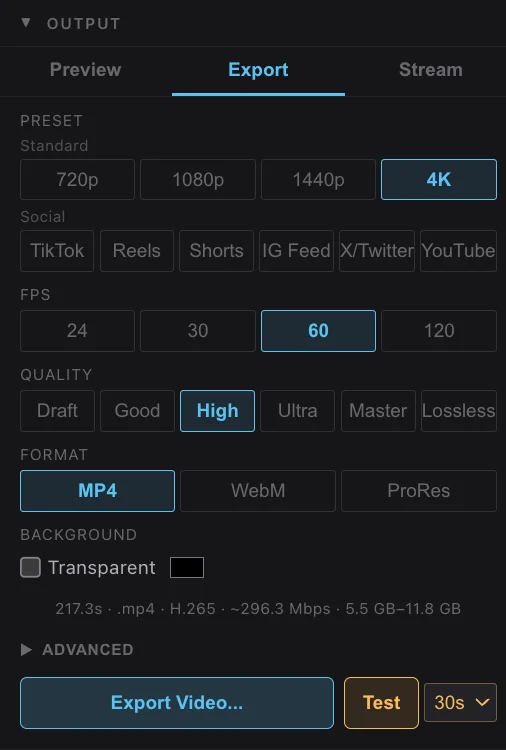
- Export up to 4K resolution (unlimited in Pro)
- H.264, H.265, ProRes, and VP9 codecs
- Social media presets: YouTube (16:9), Instagram (1:1, 9:16), TikTok (9:16)
- Custom resolution and frame rate settings
- Alpha channel export for compositing
- Batch rendering for multiple sections or projects
- RTMP live streaming to Twitch, YouTube Live, and custom endpoints
- Frame sequence export (PNG, EXR) for post-production
Real-Time Performance
Use VidViz as a live performance tool. Full-screen output, external display support, and network streaming let you run visuals at concerts, clubs, and events.
- Full-screen preview on any connected display
- Chromecast and AirPlay output support
- NDI output for integration with OBS, vMix, and other tools
- MIDI controller mapping for hands-on parameter control
- Low-latency audio input for live microphone/line-in
- Performance mode with simplified UI and larger controls
- Syphon/Spout output for inter-application video sharing
- GPU-accelerated rendering for smooth 60fps output
Ready to start creating?
Choose a plan and start building your first visualization in minutes.
View Pricing